

Smart School Cloud
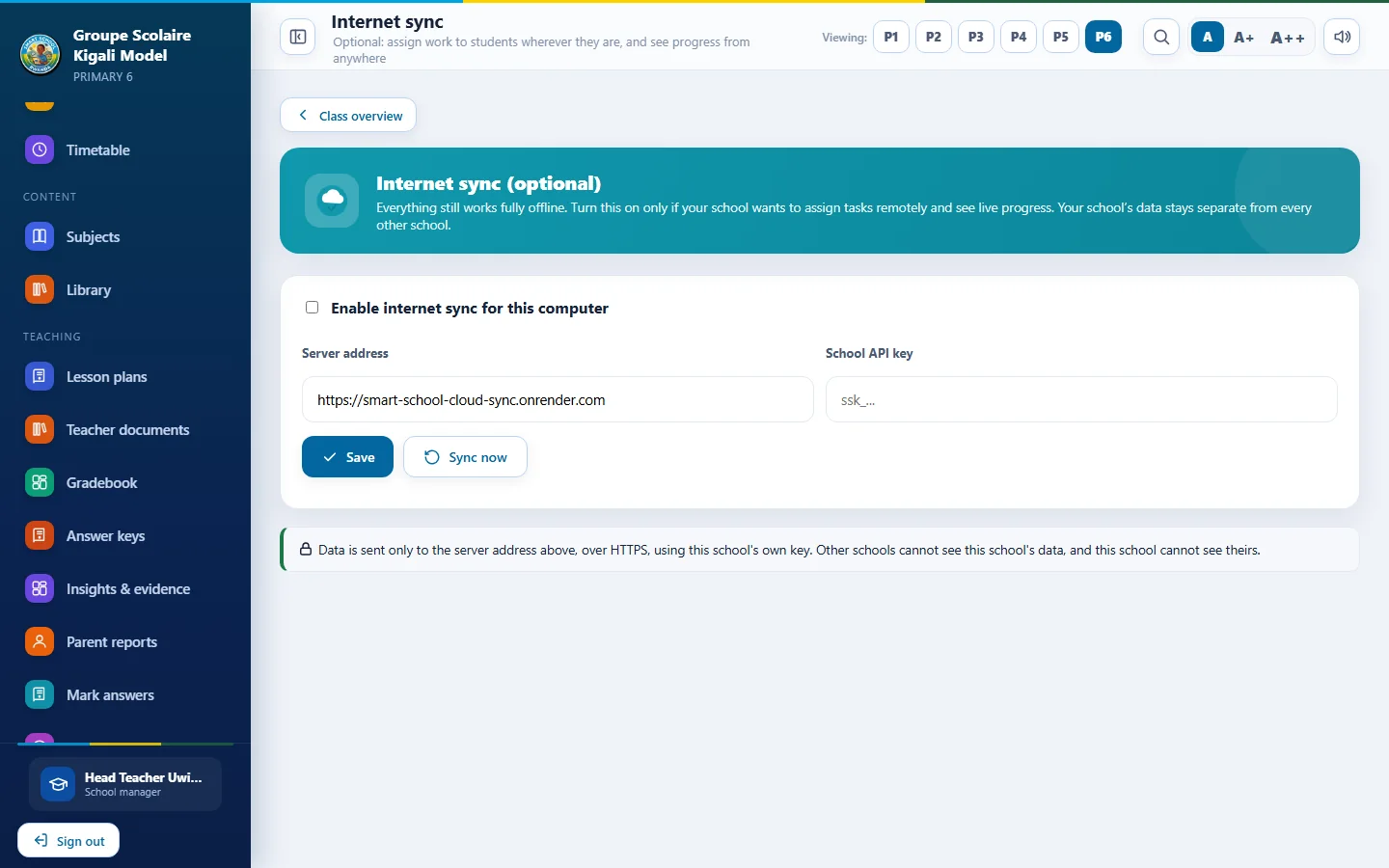
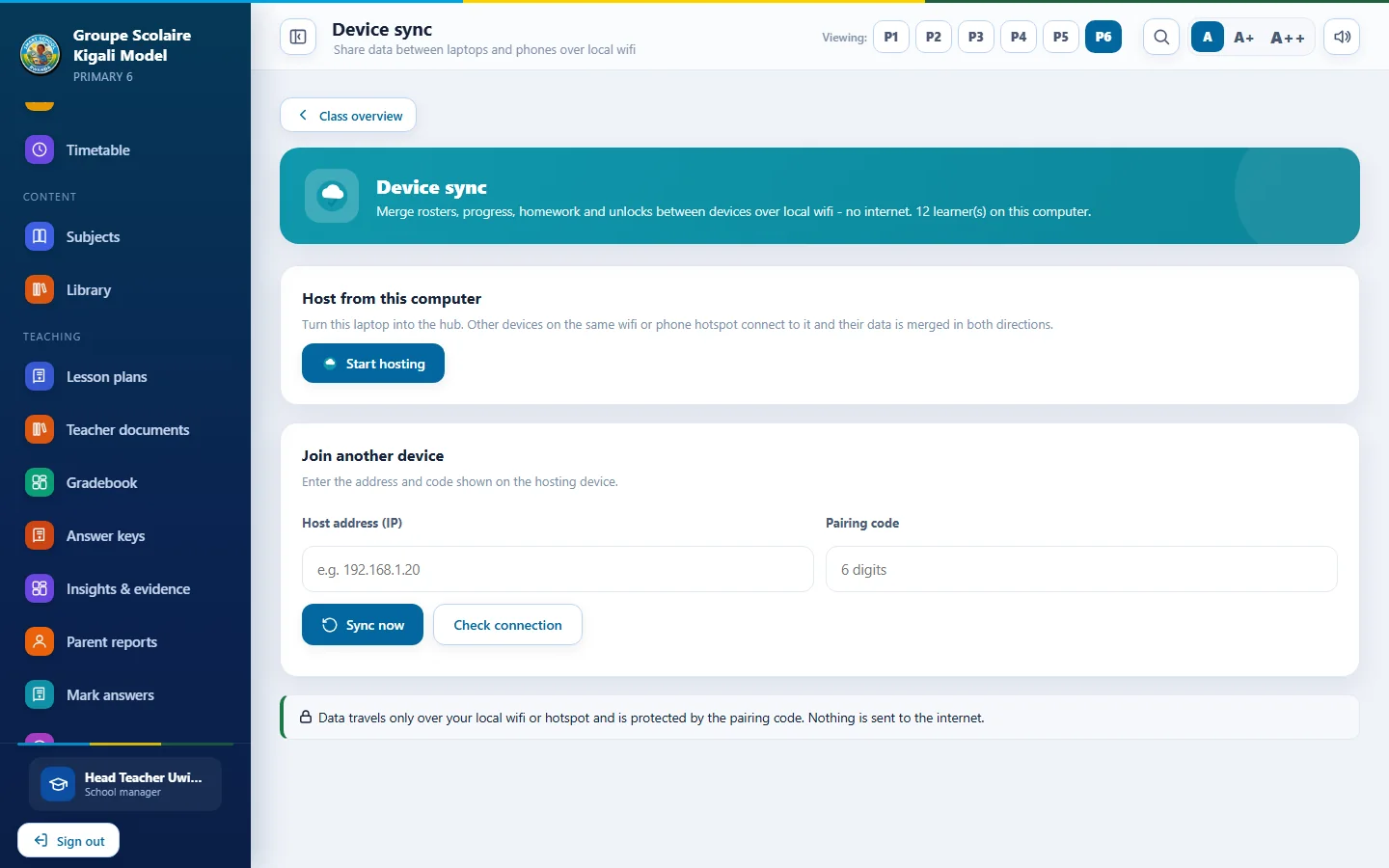
The online side of Smart School App. Open the app in any browser, and keep records in step across Windows computers and Android phones whenever there is a connection. Offline use never stops working.
Smart School App
Three things, one school account
The cloud is optional. A school can use the apps fully offline and add the cloud when it needs it.
Use it online
Sign in from a browser on any computer or phone, with no installation. Teachers and learners see the content their role allows.
Sync every device
Records from Windows and Android merge into one school record. Work done on any device is kept, and nothing is overwritten by mistake.
Send work to classes
Publish assignments online and have them appear in every connected device of the school.
Smart School App, inside your browser
This is the real app running online. Sign in with your school account to use it right here, or open it full screen.
Smart School App | Online
Four steps
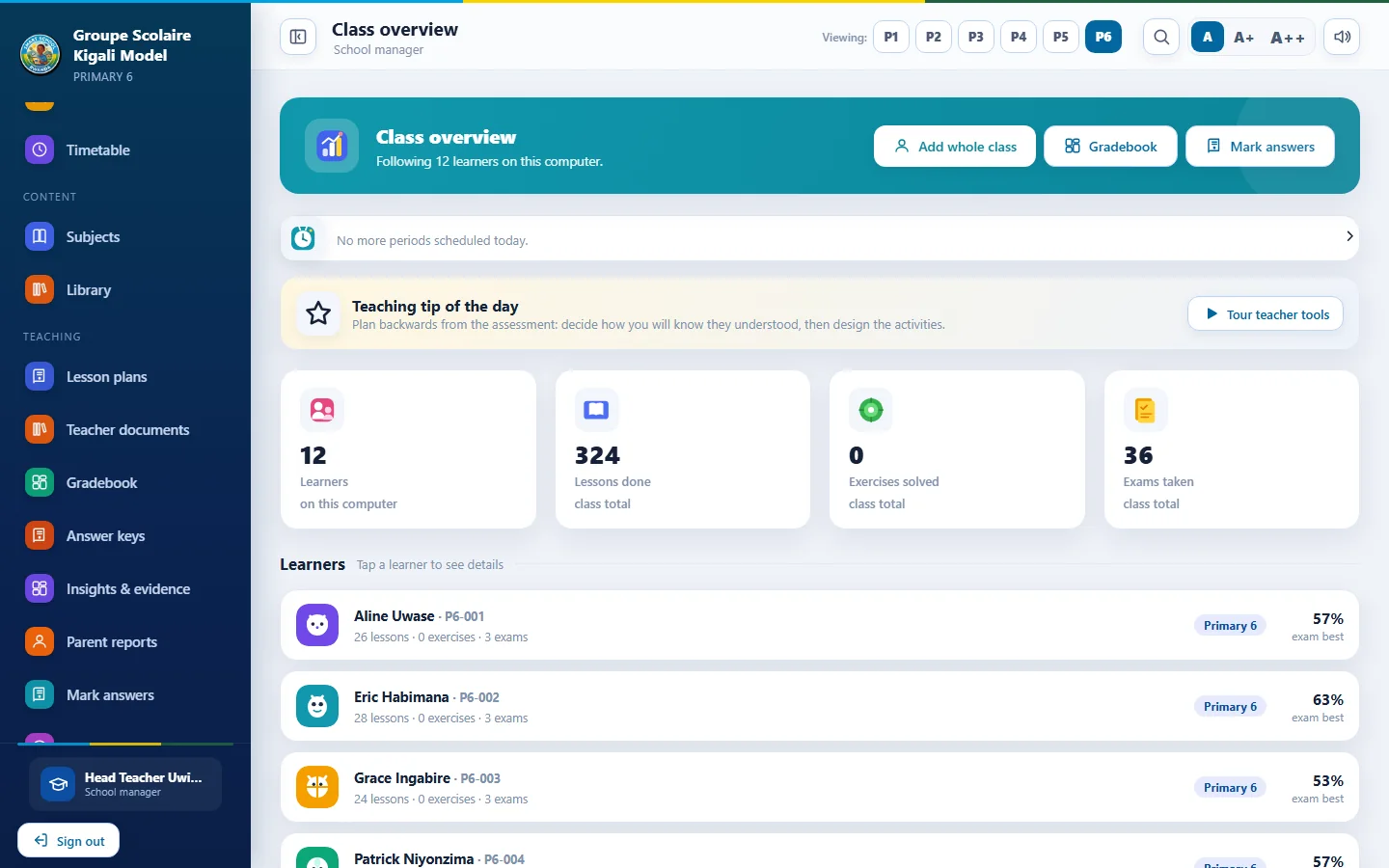
The Settings screen in both apps has an Internet sync section for this.
Get an account
We create a school account and send the school API key. Request access.
Open Settings
In Smart School App on each device, open Settings and find Internet sync (optional).
Enter the details
Type the server address and the school API key, then save.
Sync
Press Sync now. Do this on every computer and phone that should share records.
Smart School App
Your school stays in control
- Sync is optional and off until a manager turns it on
- Each school has its own key, and only that school's records are reachable with it
- Roles limit what teachers and learners can see online
- Local backups keep working with or without the cloud
- Data is merged, not replaced, so an old device cannot erase newer work
Rollout status
Smart School Cloud is being rolled out school by school. To use it, request access and we will set up your school account, confirm the server address and help you connect your first devices.
About the cloud
Do we need the cloud to use Smart School App?
No. Every feature works offline. The cloud only adds browser access and syncing between devices.
What happens if the internet drops during sync?
Nothing is lost. The device keeps its local records and syncs again next time.
Can Windows and Android share the same records?
Yes. Both apps use the same sync, so a teacher can mark on a phone and see it on the school computer.
Who can see our learners' data?
Only people signed in to your school with a role that allows it. See the privacy page.