
Ikimina
Run your savings group with clear records: contributions, loans, rotation and reports, in Kinyarwanda, English or French.
Open it in your browser
The books live online, so the President, Accountant, Secretary and members each use their own phone and see the same group. The demo is a test version with sample data. Look around, and ask us to set up your own group.
- Press Open the web app.
- Sign in with the demo member phone number and PIN below.
- See a member's savings, loans, attendance and contribution history, and switch between Kinyarwanda, English and French. The first start can take up to a minute while the demo server wakes up.
Open the web app Android app (APK, 7 MB) Set up my group User guide

Demo group
Twiyubake Ikimina, a sample group with 25 fictional members, loans, meetings and six months of history, so you can try every screen.
Demo member: 0788000204 · PIN 5273
To see the officer screens (Accountant, Secretary, President), ask us for a guided demo.
Your own group
We create your group, and you choose who holds each role. Every member signs in with a phone number and PIN, with a lock after too many wrong tries.
Screen by screen
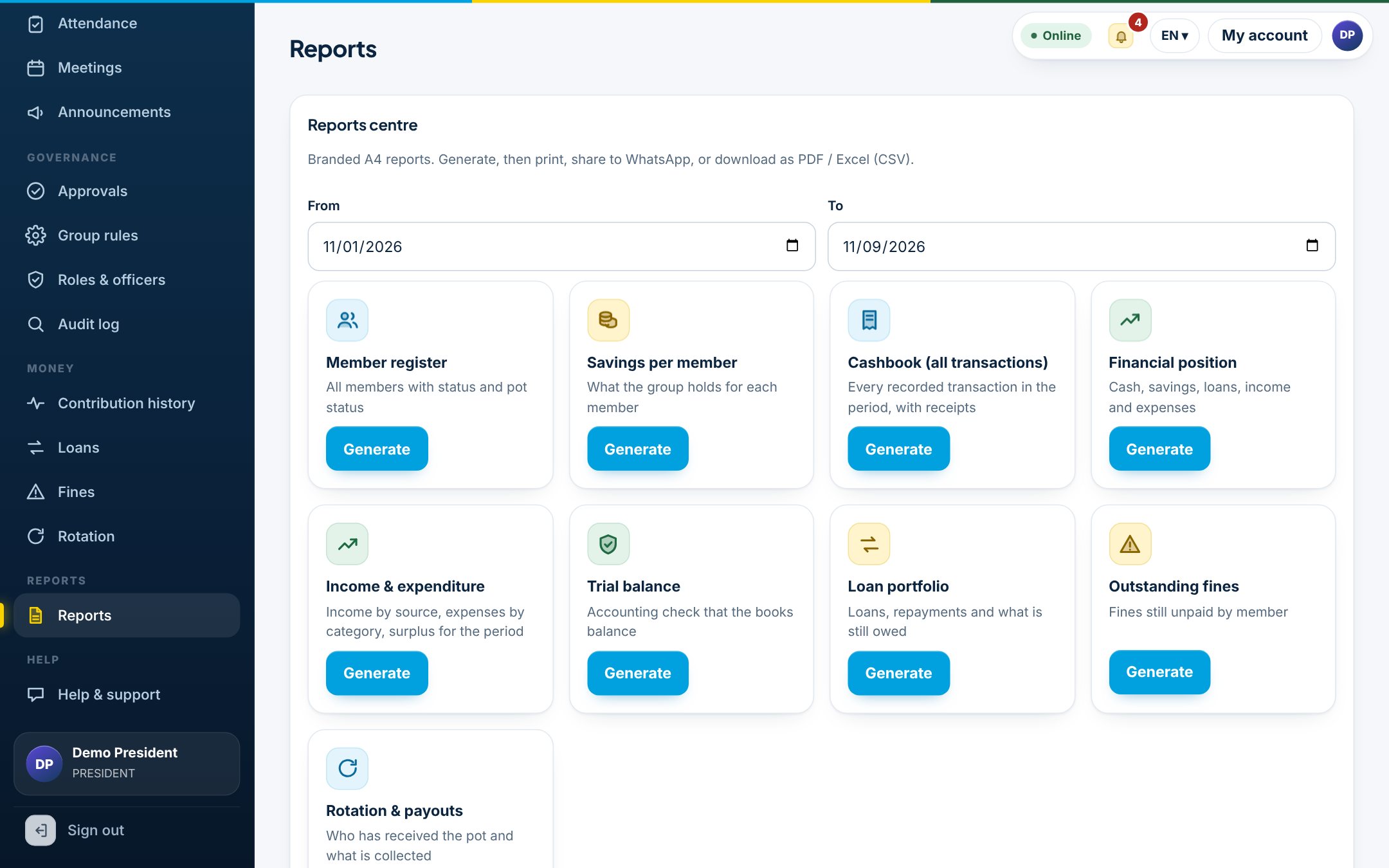
Real screens from the web app, using the demo group. Click a screenshot to enlarge it.
Ikimina
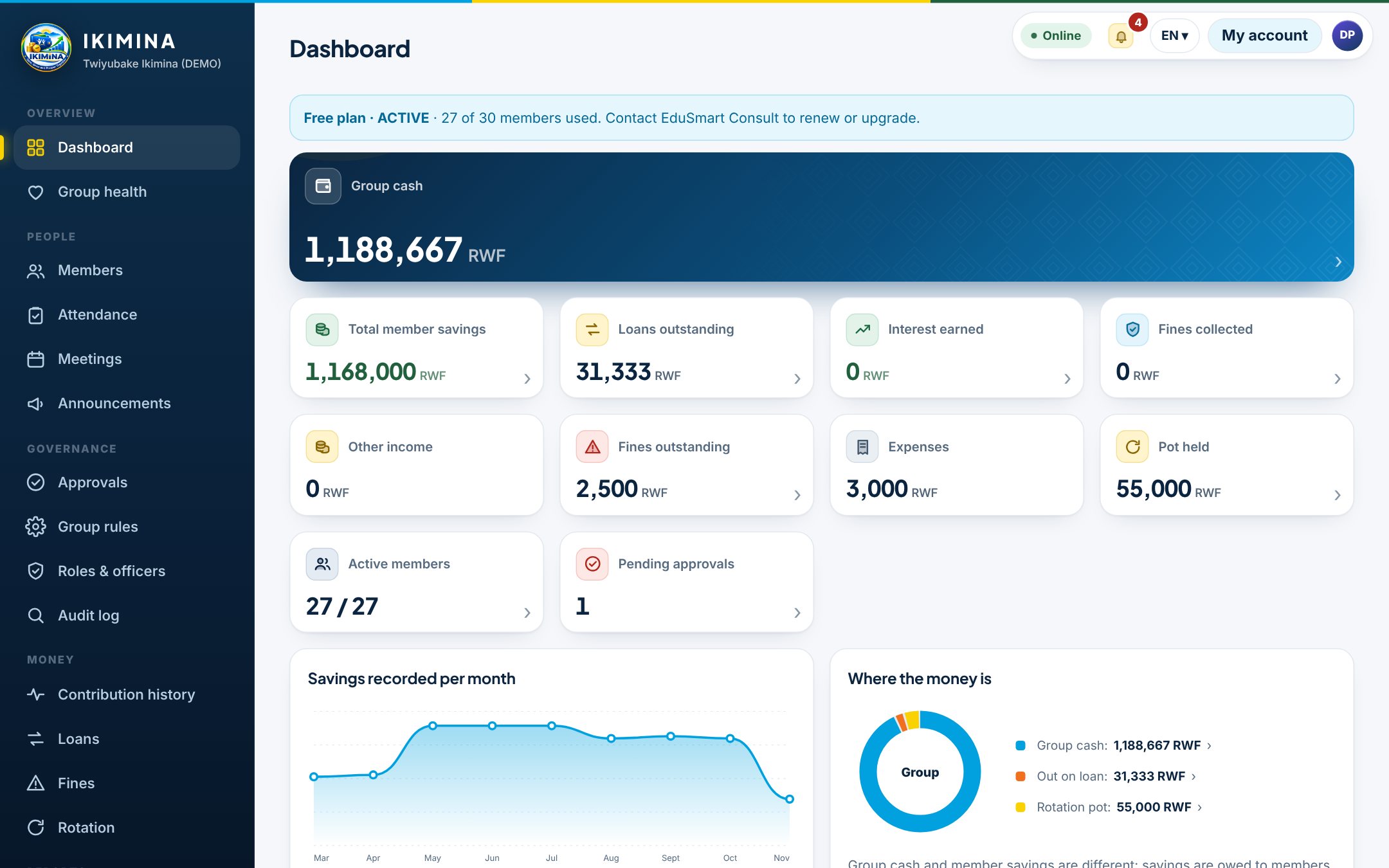 Ikimina
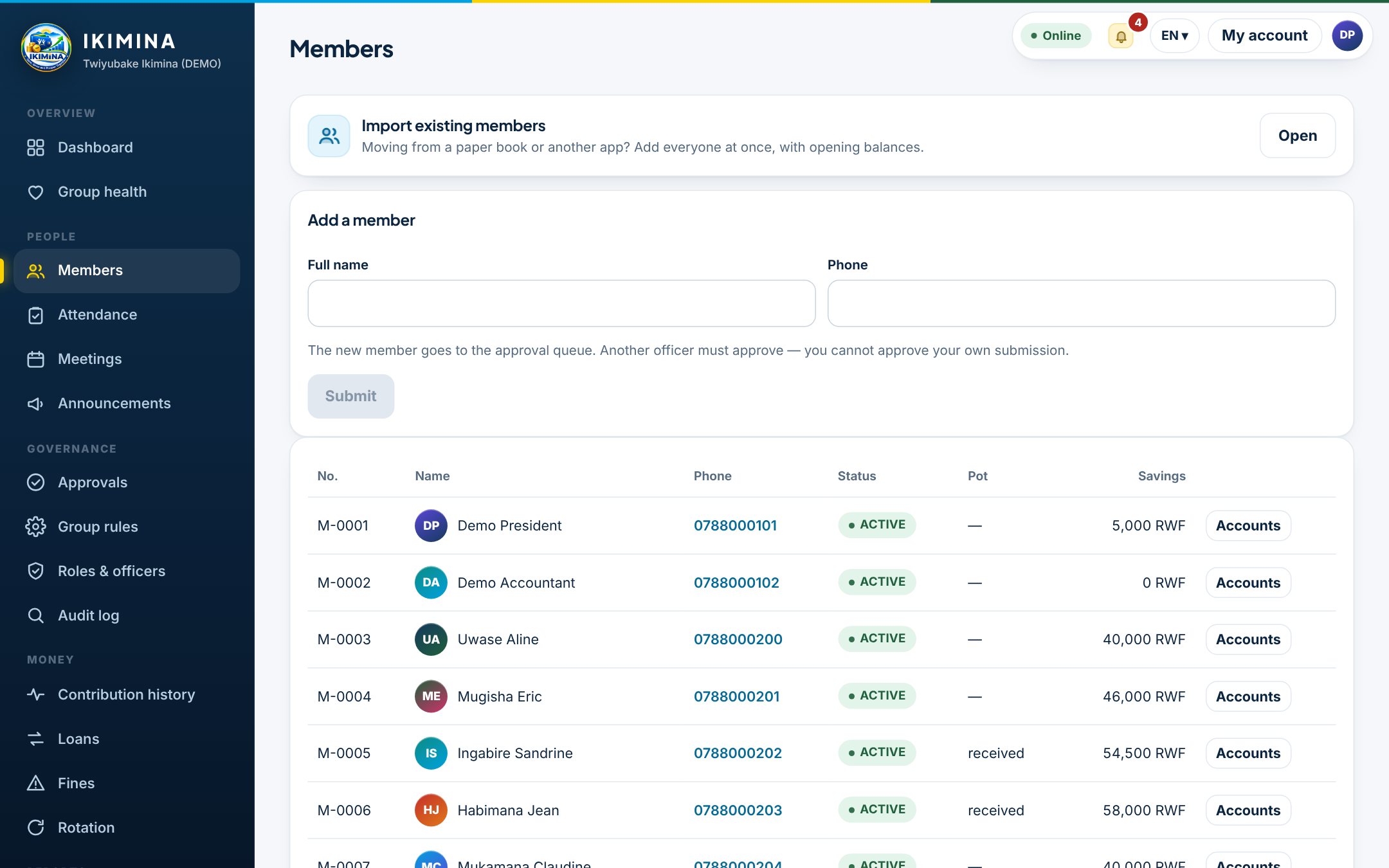 Ikimina
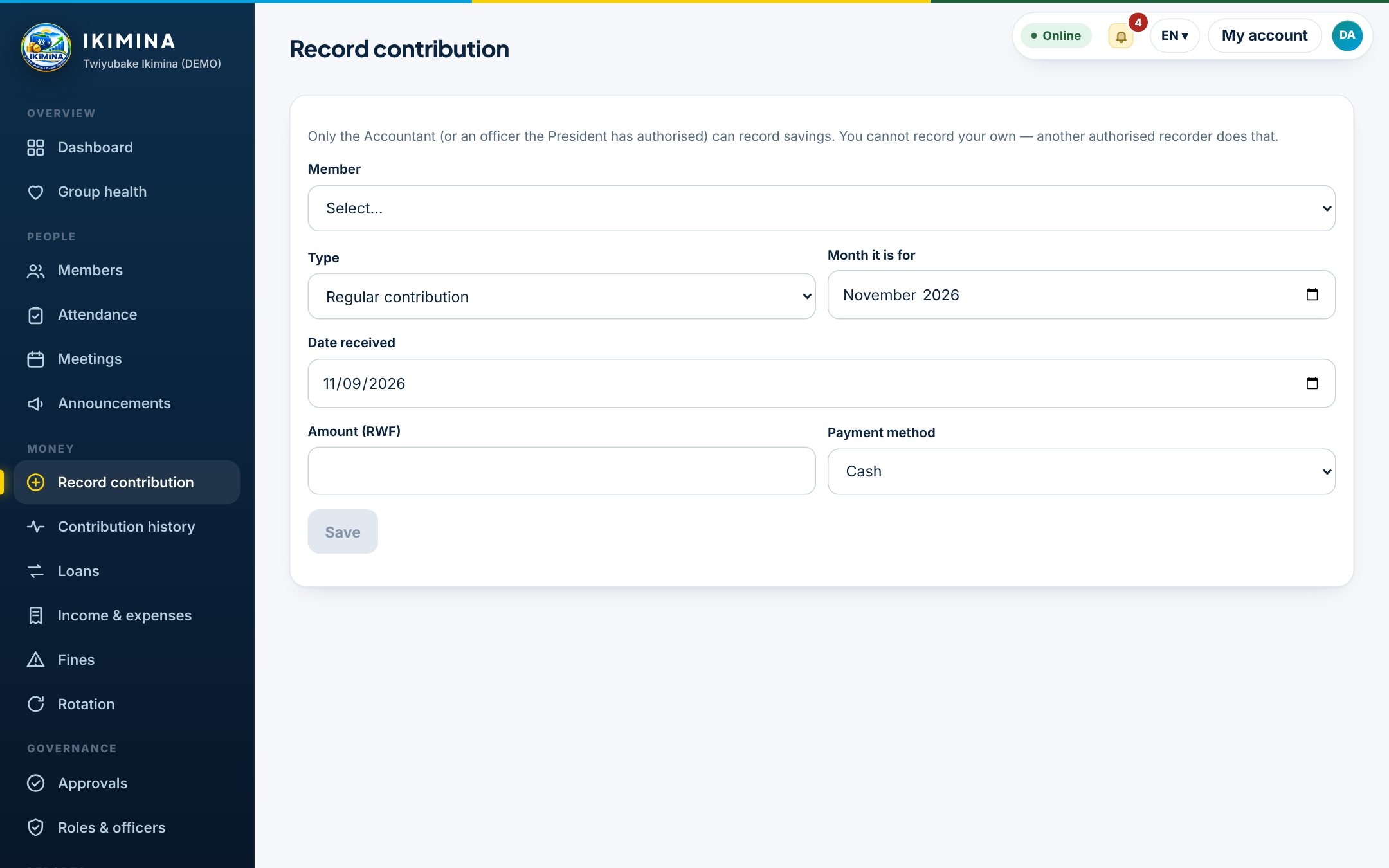 Ikimina
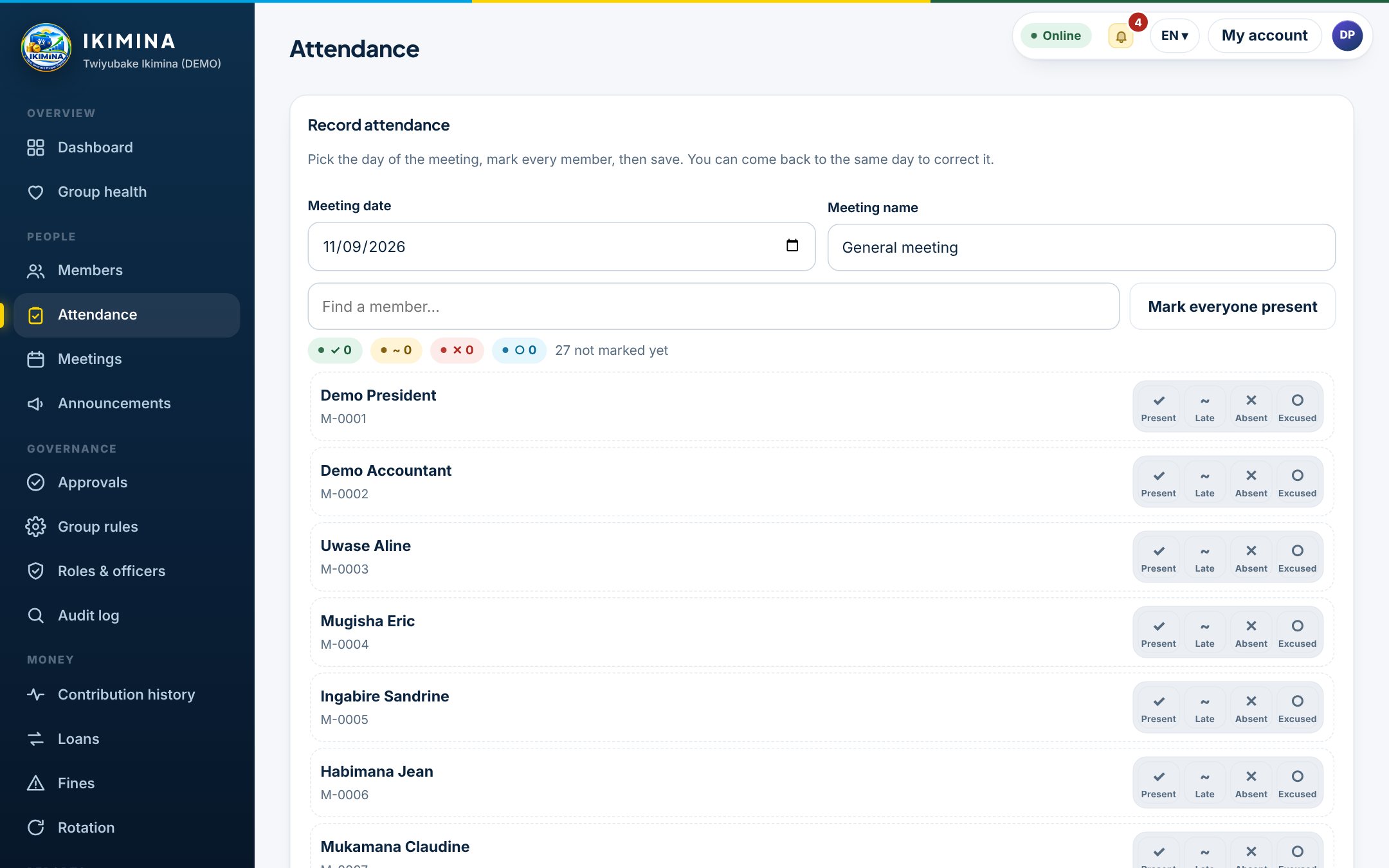 Ikimina
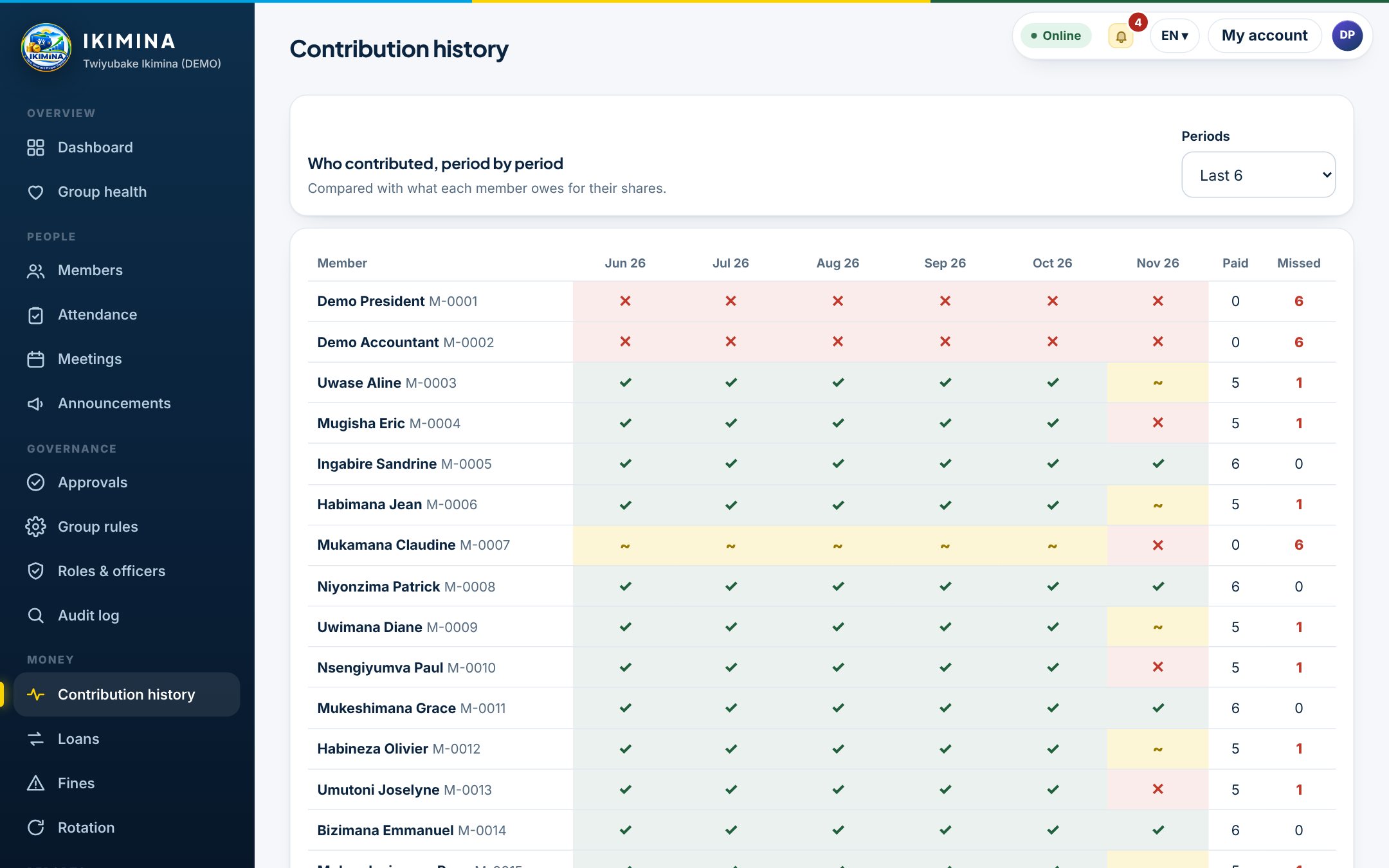 Ikimina
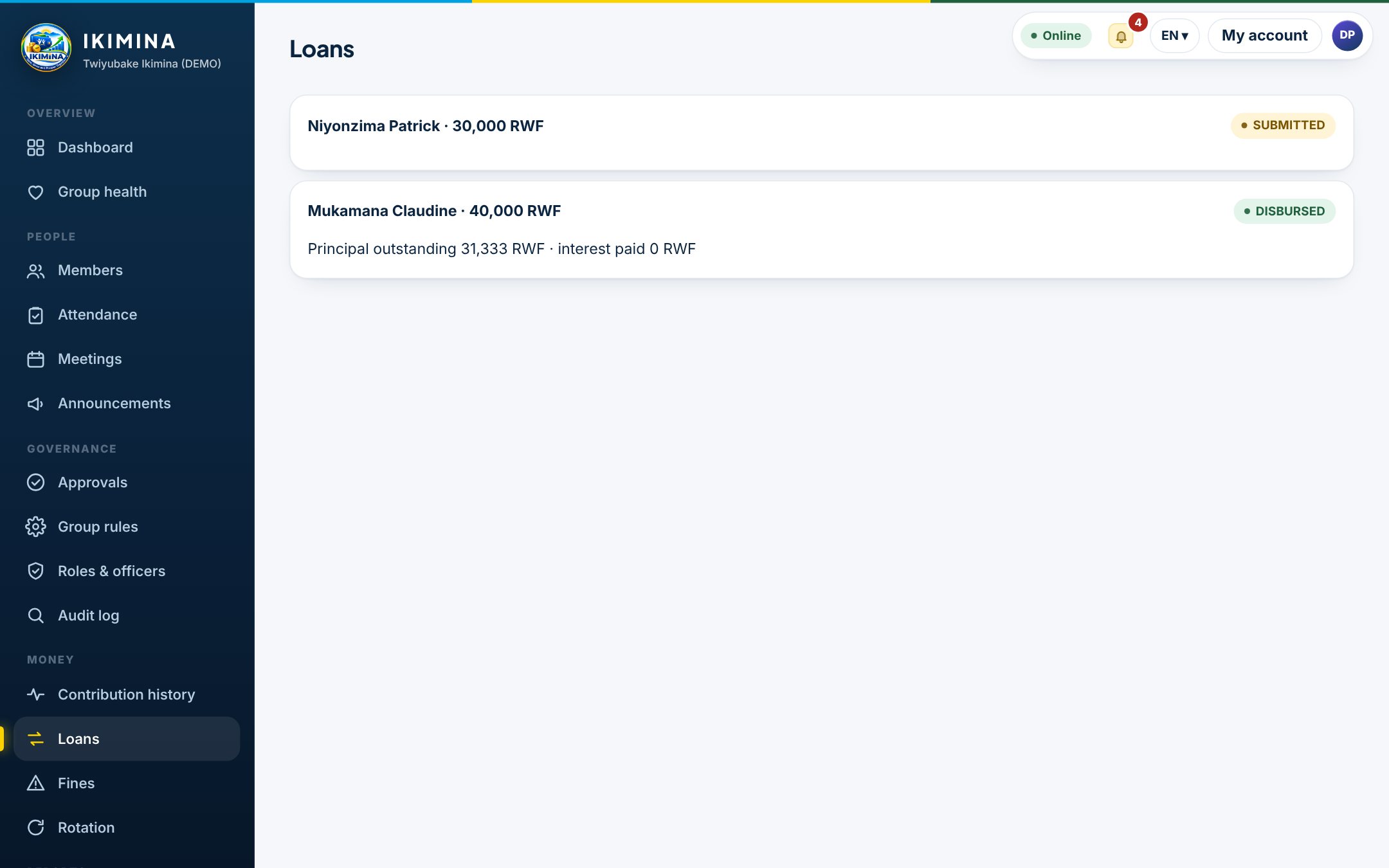 Ikimina
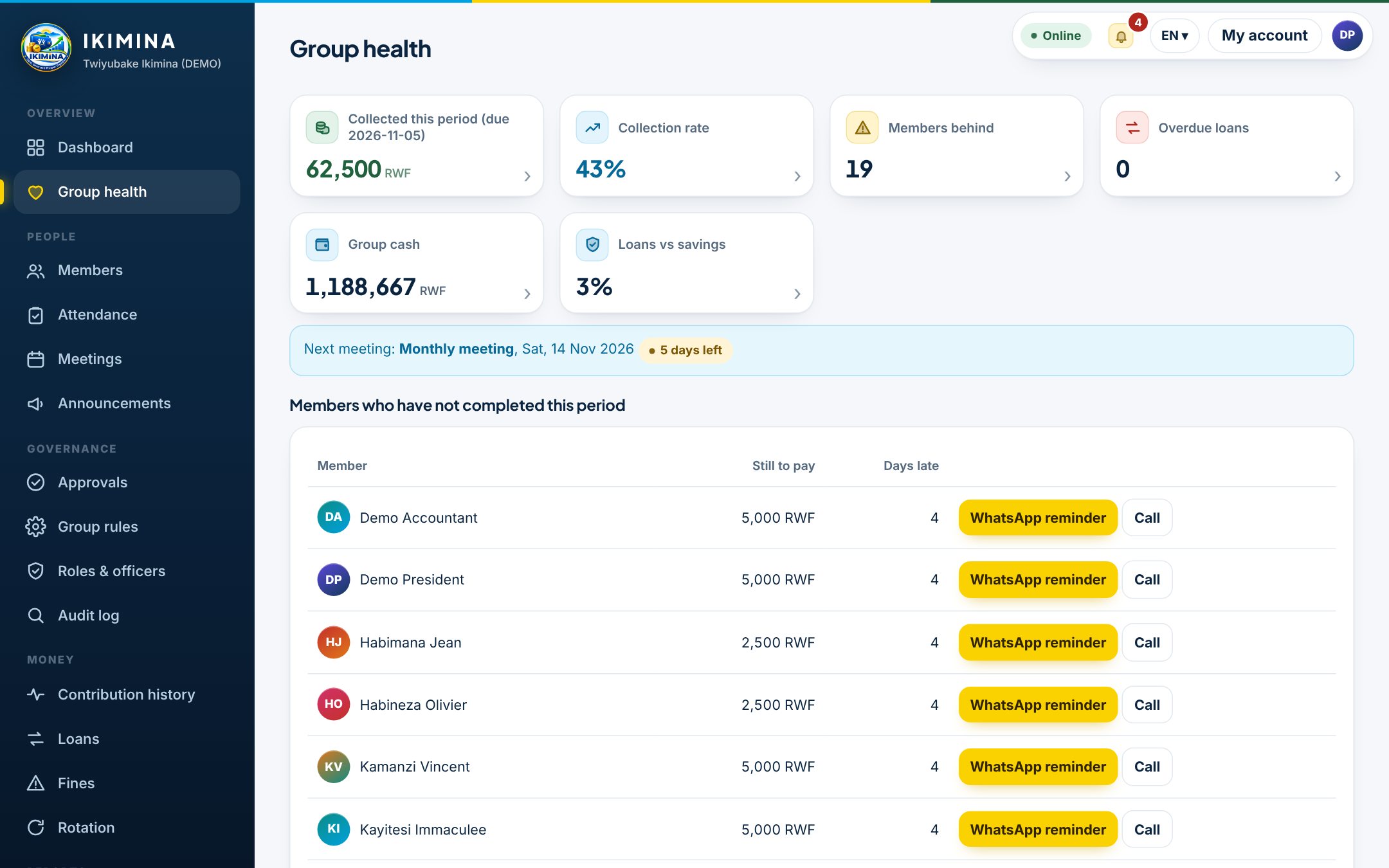 Ikimina
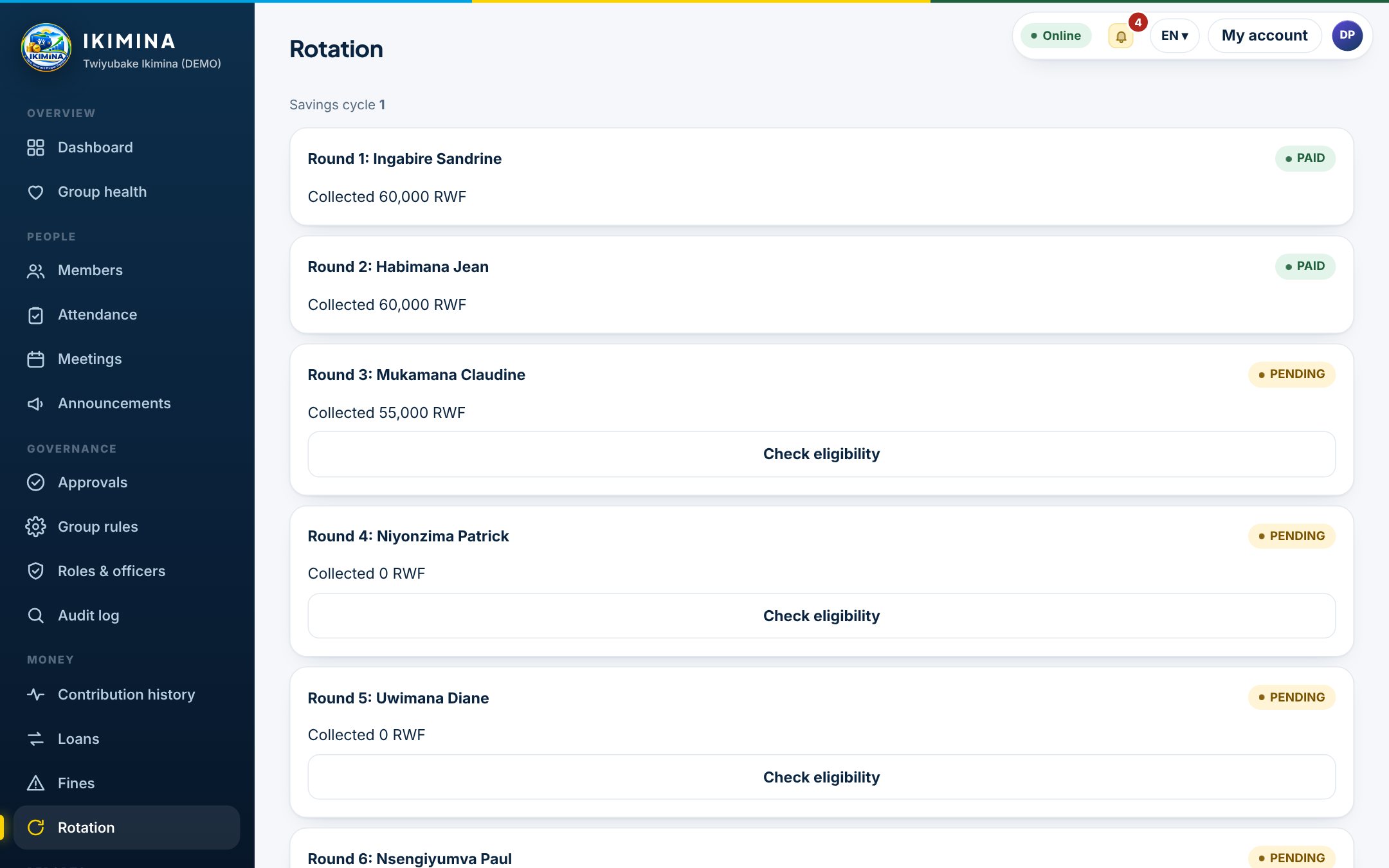 Ikimina
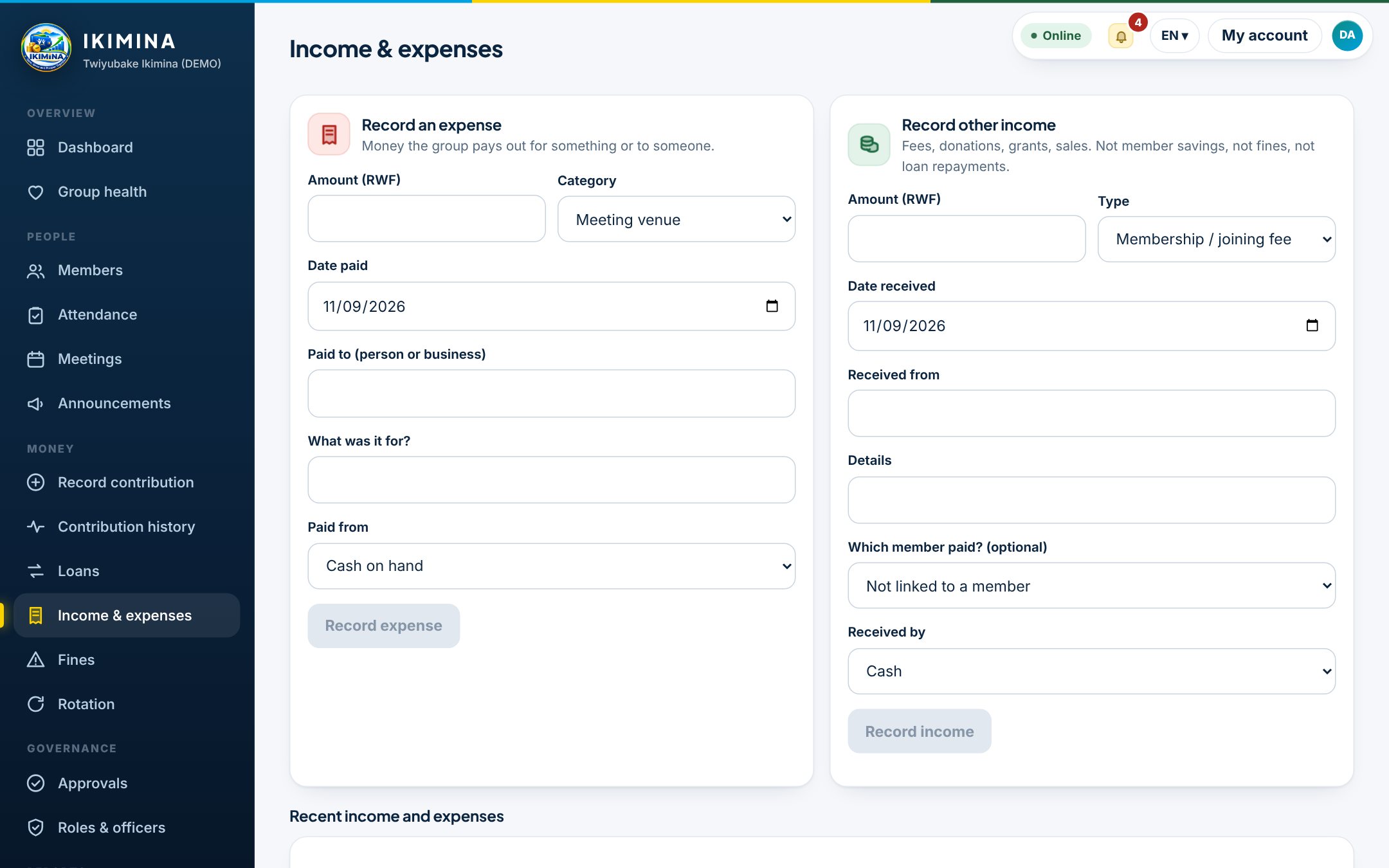 Ikimina
Tip: use the left and right arrow keys.
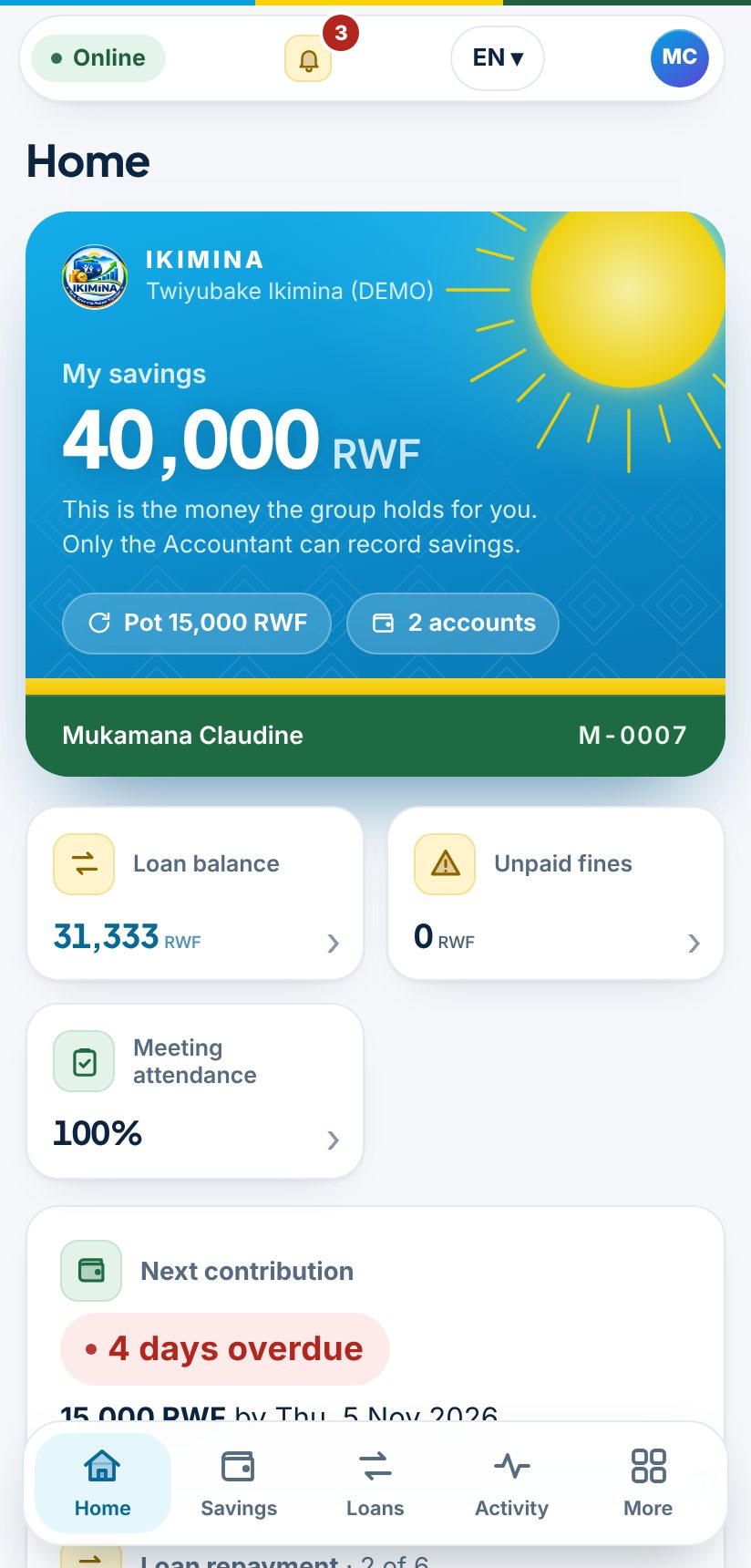
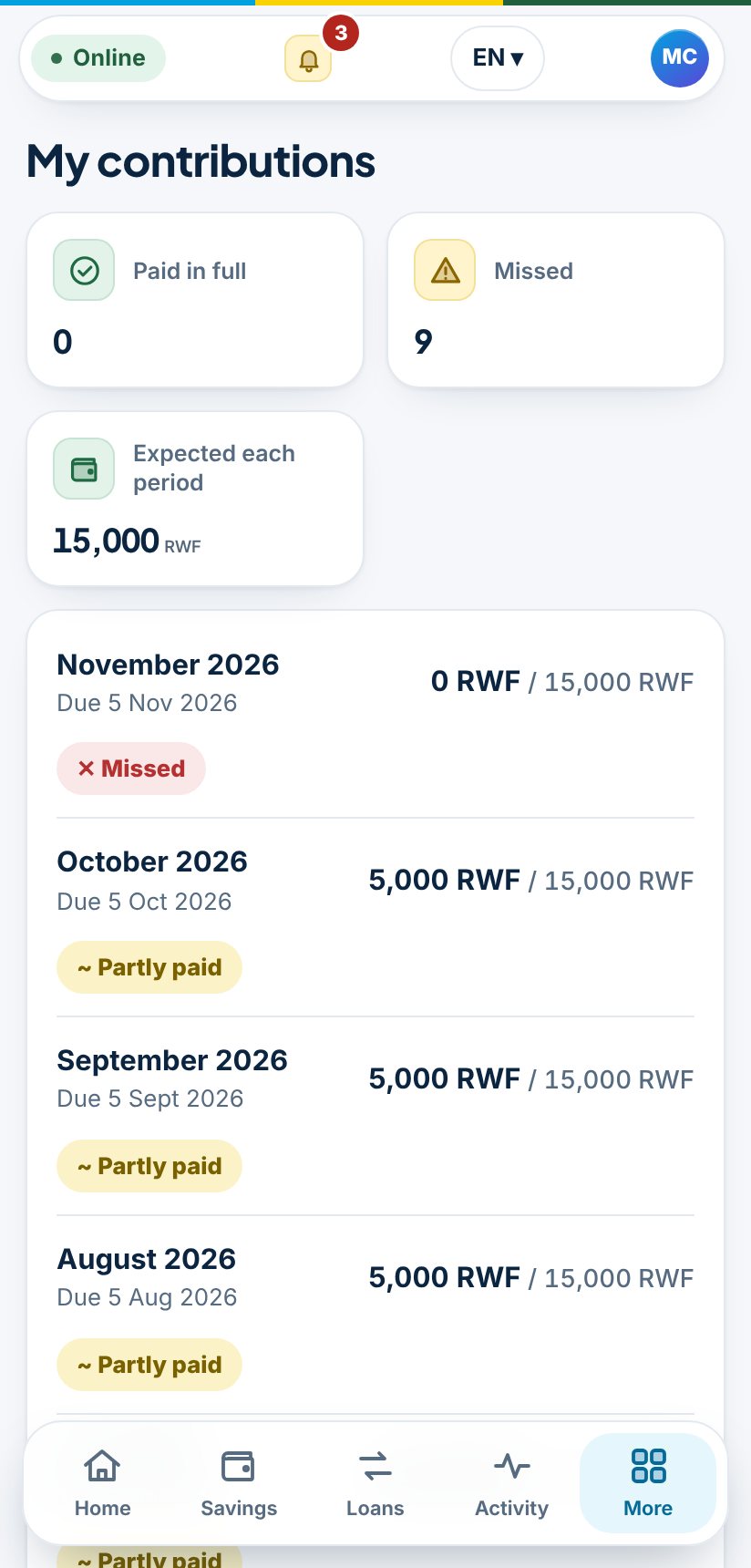
Works on a phone too
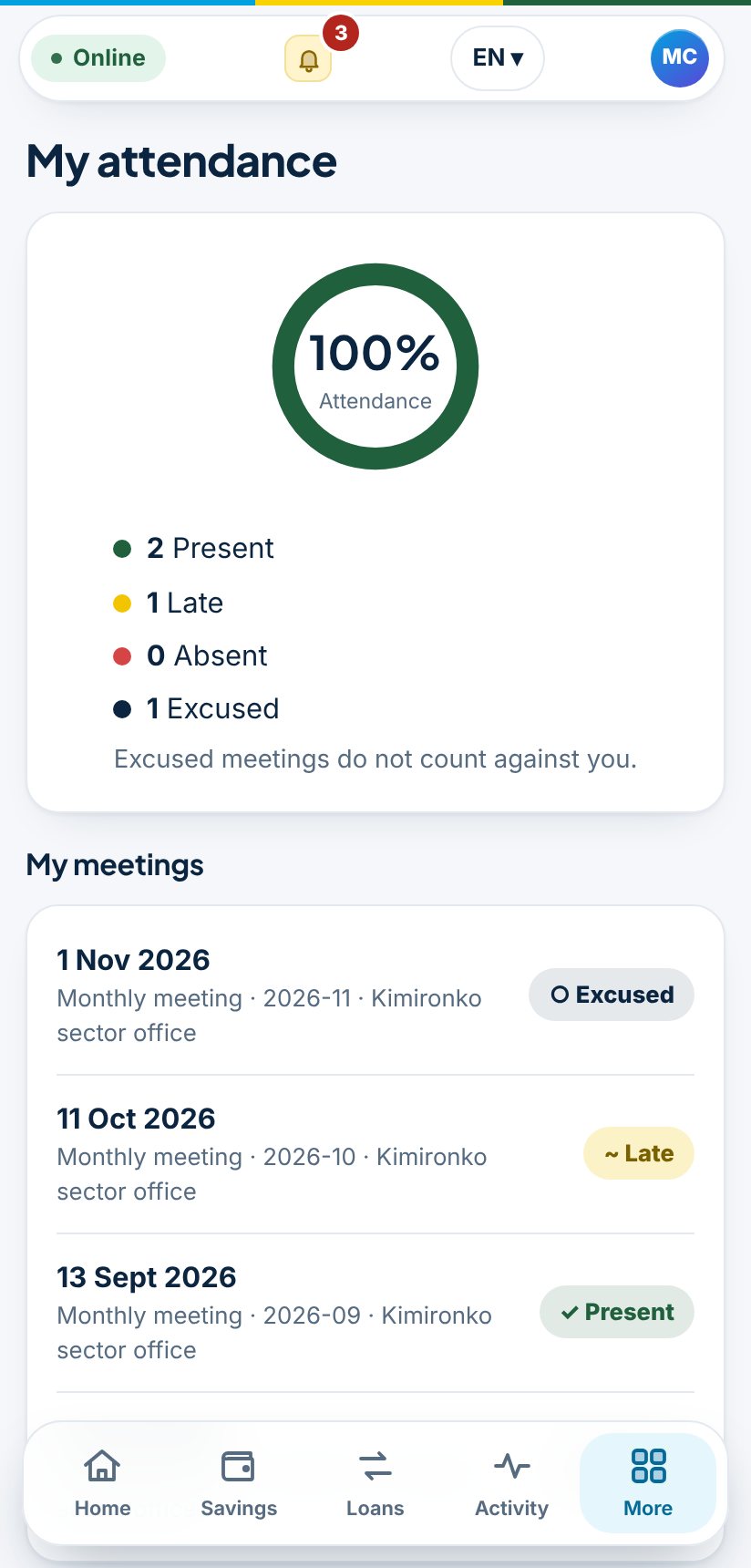
On a phone the menu slides in from the side and the cards stack, so a treasurer can record contributions at the meeting.
Everything a savings group needs
The same features on the web and on Android.
Members and roles
The President oversees, the Accountant records every payment, the Secretary keeps attendance and notices, and members see only their own savings and loans.
Contributions
Set the amount and cycle (daily, weekly, every two weeks or monthly). Members can hold more than one share. Dates and months come from a calendar, so records stay clean.
Loans
Flat or declining interest, a maximum loan based on savings, approval by two officers, an instalment schedule and late penalties after a grace period.
Rotation
For groups that pass the pot around: set the order, record each payout and see whose turn is next.
Attendance and history
The Secretary records who came to each meeting, and everyone can see who contributed in each month. Members check their own record in their account.
Each group sets its own rules
Amounts, interest, fines and who approves what are the group's own choices, and changes to them can need approval.
Reports
Group and member statements as PDF, a year-end share-out preview, and Excel exports for contributions, loans and the cashbook.
Audit trail
Every sign in, payment, approval and change is logged with who did it and when. The books are append-only: a mistake is corrected by a reversal, never by erasing it.
Three languages
Kinyarwanda, English and French, with dark mode for evening meetings.
Which version suits you
| Web | Android | |
|---|---|---|
| Cost to try | Free | Free |
| Needs installing | No | Yes (APK) |
| Works without internet | Partly | Savings can be recorded offline and sync later |
| Where the records live | The group's online books | The group's online books |
| PDF and Excel reports | Yes | Yes |
Good to know
Can the whole group use it together?
Yes. Each officer and member signs in on their own phone and sees the same books, according to their role.
Who can record savings?
Only the Accountant, or an officer the President has authorised for a limited time. This keeps one person accountable for the money.
What if the President or Accountant changes?
The group asks for the change and other officers approve it. If a group is stuck, for example someone lost their phone, our support team can help after checking who is asking, and the change is recorded in the group's audit log.
Does it work with mobile money?
You can record a payment as cash or mobile money with a reference number. The app does not connect to any mobile money account or move money.
Do I need the internet?
You need a connection to open it. On Android the Accountant can keep recording savings when the connection drops, and the records upload by themselves when it returns.
See your group's books in two minutes
Open the demo, look at every screen, then ask us to set up your own group.